Yesterday, I connected my external hard drive to my Mac and found that it couldn't be read, with Disk Utility showing it as "Unmounted."
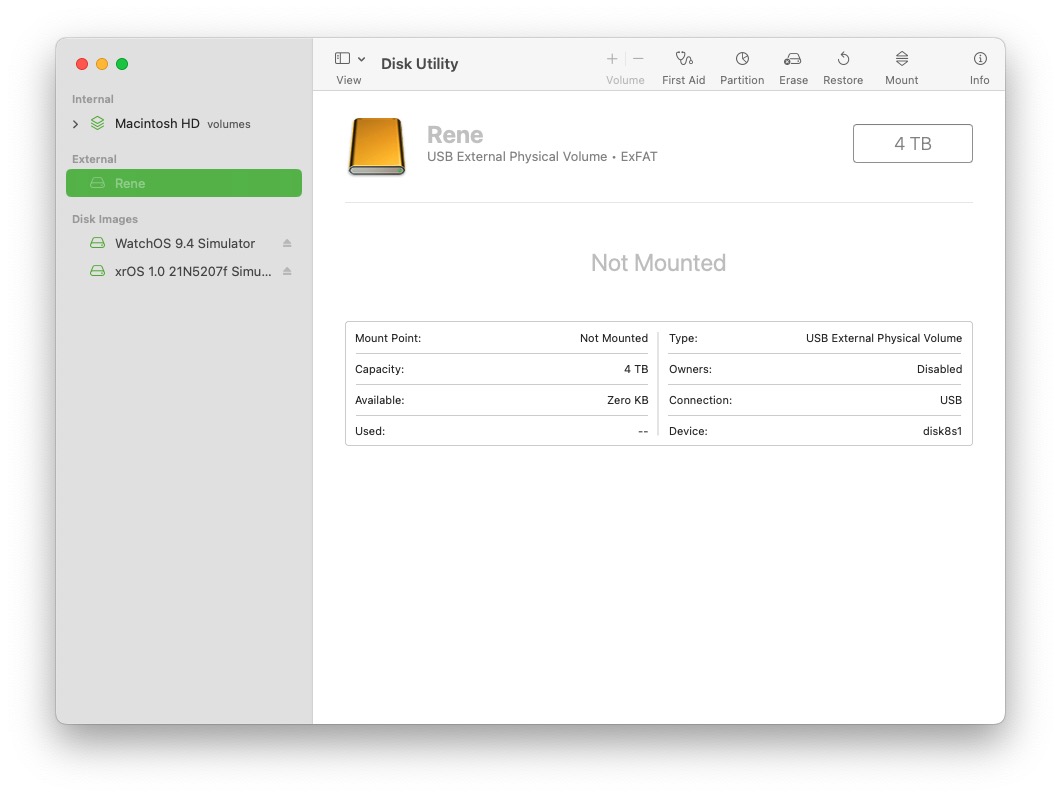
After researching, I found that this situation is usually caused by not properly ejecting the exFAT formatted disk. I tried many solutions and finally found a workable one in a gist (in the comments section).
First, ensure the hard drive is connected to the Mac, and enter the following command in the terminal:
1diskutil list
This will provide a list of disks. Find your disk and remember its ID. For example, mine is disk8s1.
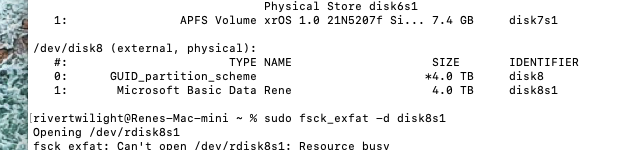
Next, enter this command, replacing <ID> with the number you just noted:
1sudo ps -ax | grep <ID>
You will get a new ID, for example:
165633 ??         0:00.96 /System/Library/Filesystems/exfat.fs/Contents/Resources/./fsck_exfat -y /dev/rdisk8s1
265825 ttys000    0:00.00 grep disk8s1
Remember the PID with the two question marks, and then kill this process:
1sudo kill -9 65633
A pop-up will alert you that there is a problem with the hard drive, but at this point, you should be able to access the hard drive data.
Finally, go to Disk Utility and run First Aid on the hard drive to restore it to its original state.
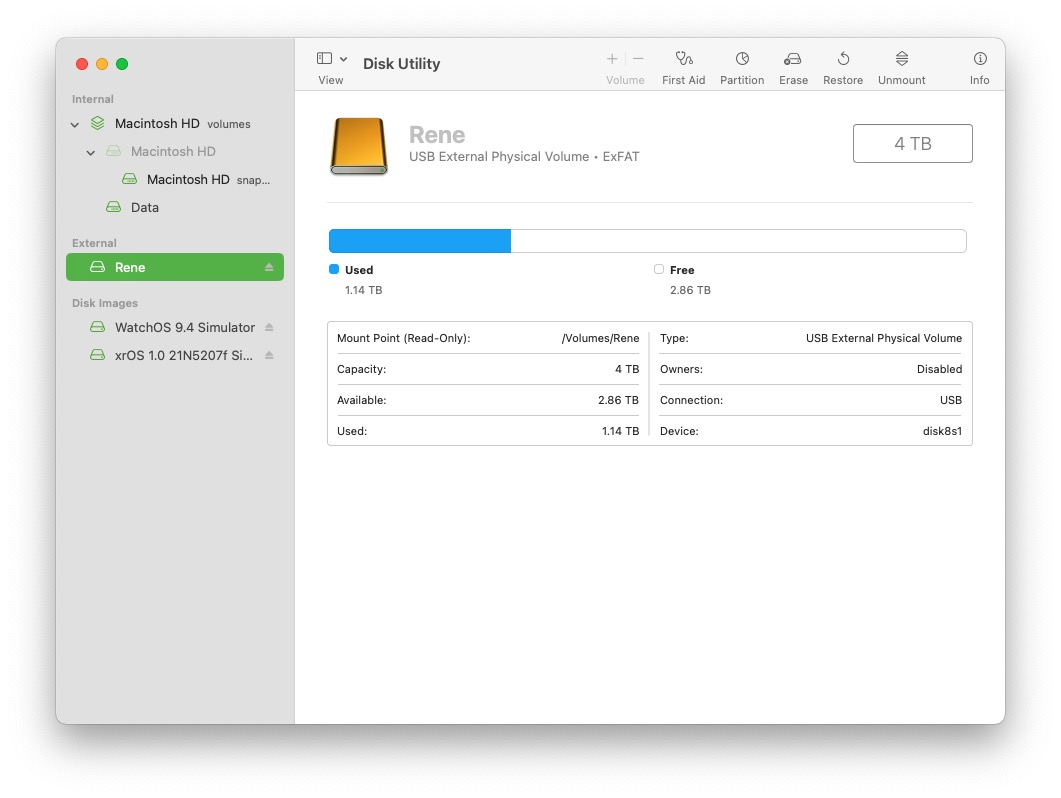
To prevent this situation from happening again, always remember to properly eject exFAT formatted disks instead of just unplugging them.