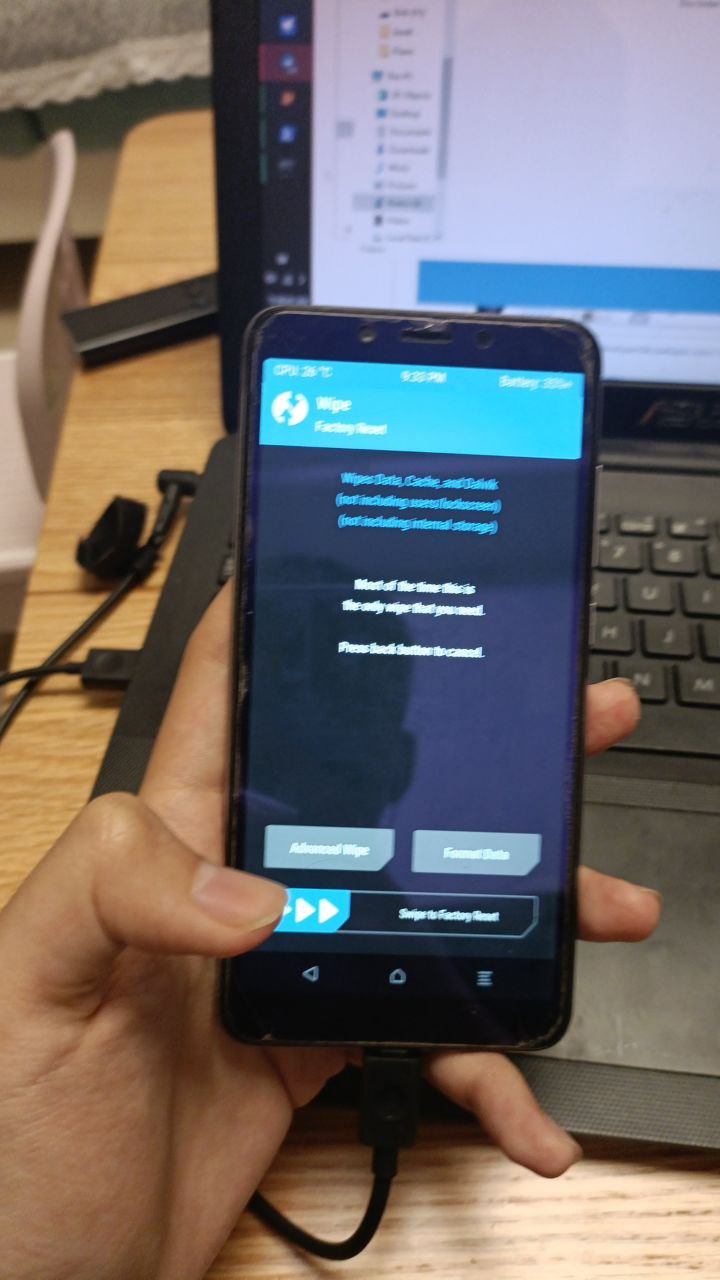
This article was originally posted by Charles_Su0923 on CoolAPK, with modifications.
- Device: Redmi 6
- TL;DR: In October, I managed to unbrick my Redmi 6, which was stuck in a vibrating black brick state, and after two weekends of flashing attempts, I successfully flashed LineageOS 17 on November 27.
Important: Most tutorials in China do not mention that due to MTK's special hardware encryption, directly flashing the REC will cause the phone to be unable to boot into REC. The solution is the file mentioned below.
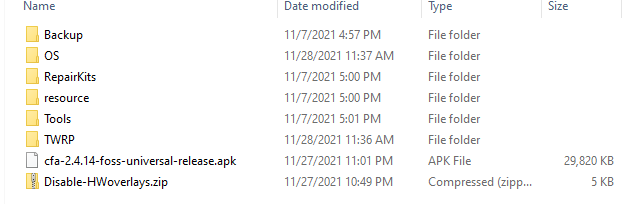
Overview
Step 1: Downgrade the phone to MIUI 10.4.4 (there are many tutorials on CoolAPK, but don't be greedy, only downgrade to MIUI 10.4.4)
Step 2: Use the REC flashing tool mentioned below to flash (tools like QiuZhiHe won't work, you must use this tool!!!)
Step 3: Import the package you want to flash and this DDE (this step is very important!!!!)
Step 4: Format data and flash the system; if all goes well, the phone should boot up.
Unbricking
It was around August of last year when I accidentally bricked my phone while trying to flash it. With heavy academic responsibilities, I left it aside. I tried to revive it using Mi Flash and other methods, but nothing worked. I left it until around October of this year when I suddenly discovered MTK's unbricking tool.
The process involved first installing drivers. Due to MTK's peculiar characteristics (anyone who has worked with MTK knows that unbricking requires finding the device from a fleeting port within seconds and quickly clicking to install the driver; detailed tutorials are available on CoolAPK), it took me about 20 minutes just to install the drivers. Since it had been sitting for a long time without charging, I also had to charge it for a while. Using the MTK tool for unbricking was equally frustrating.
Since Xiaomi introduced an auth verification tool, we also needed a bypass tool to circumvent this. This process was painful and difficult, as all the tools came from overseas sources, requiring slow downloads. When I finally started the flashing process, I didn't rely solely on MTK tools. After trying the MTK tools, the phone unexpectedly entered Fastboot, so I immediately decided to use Mi Flash to flash it back to MIUI.
PART 2 | Escape
The first thing I did after returning to MIUI was to flash a custom REC. This is usually a straightforward operation, but due to MTK's peculiarities, DM encryption must be disabled when flashing the REC, and it must be disabled again after flashing the package. During my attempts, I didn't realize that DM encryption was a factor, so I directly used the QiuZhiHe toolbox for the flashing operation. I tried every TWRP REC I could find, going through both domestic and international tutorials, and flashed all the REC for Redmi 6 and 6A. I downloaded about 20 different REC on my computer. However, the flashing method of QiuZhiHe is fastboot flash recovery.img, and for MTK models (especially Redmi 6), we need to add commands like fastboot --disable-verity --disable-verification. I realized this only after more than a year of initial attempts.
PART 3 | Resurrection
After successfully flashing the REC, I eagerly flashed LineageOS 17. In previous attempts, I had successfully flashed the REC for Redmi 6A, but using the Redmi 6A REC to flash the ROM wouldn't work. By this time, it had been a month since our initial starting point.
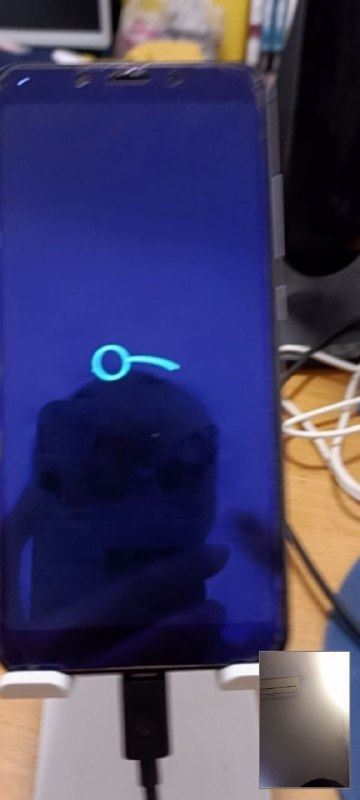
I found that I could enter the boot animation, but it got stuck. So, I rebooted and started over.
I was ready to give up, but later, not wanting to lose hope, I found a REC flashing tool and a DM decryption tool in the Redmi6 community on Telegram. I realized this was what I needed, so I downloaded it immediately and succeeded!
Part 4 | Adjust
This part is very simple; debugging Magisk + LSP is incredibly easy.
PART 5 | End?
After 10 years of flashing, the persistence of an old hand is evident. Although as time progresses, systems become more refined, once-popular flashing platforms have ceased operations, and flashing has gradually faded from the stage.
But why do some people still persist and are willing to adapt custom ROMs for their phones? Just like Jay Chou cannot be erased from our memories, what we cherish is actually the emotions behind the objects. The reason we can't forget our first love is that it was something we earned through effort.
Thanks to the device owner for their persistence and hard work, and thanks to the author of this REC flashing tool, @MegaFon929!